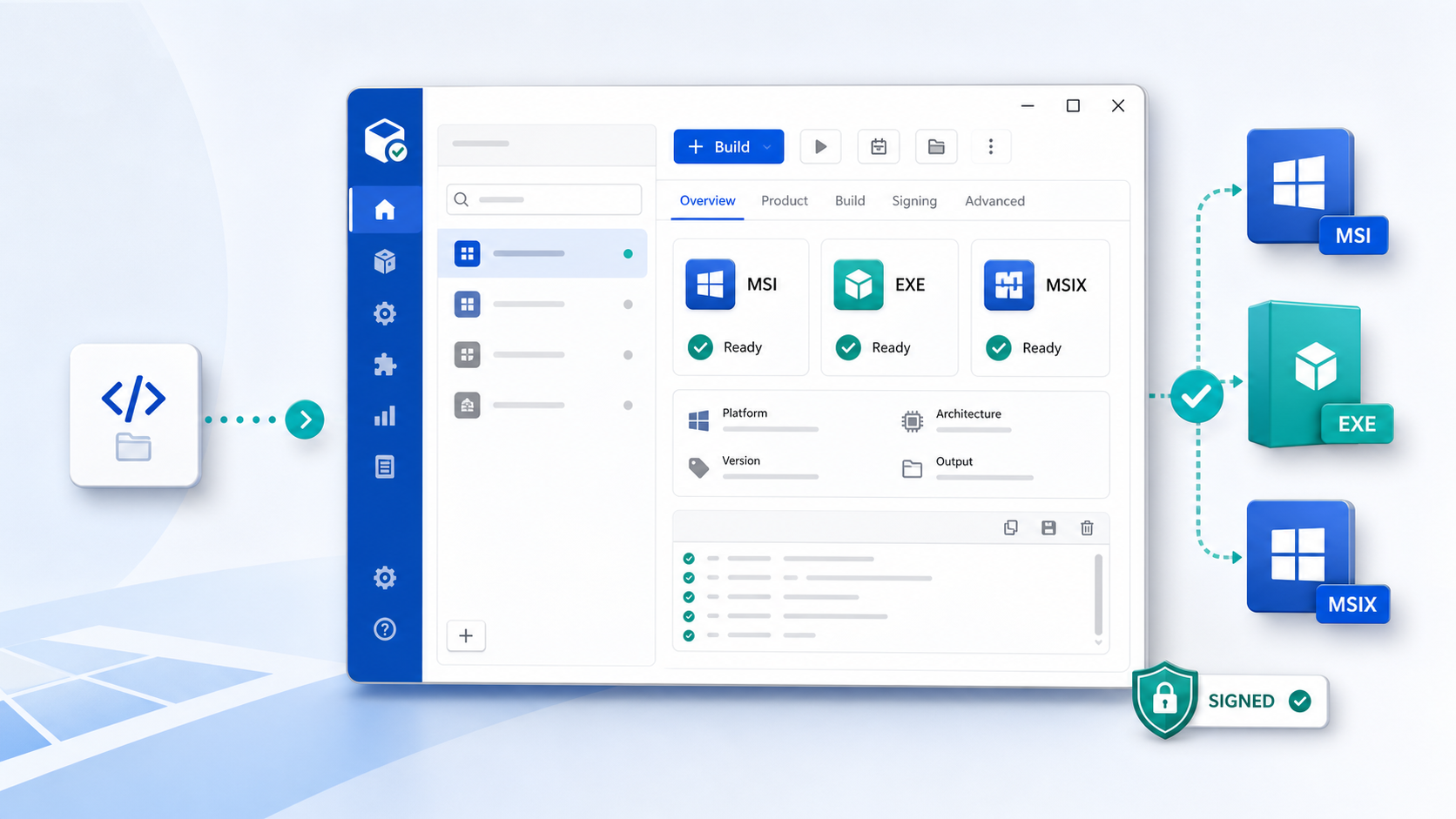
Windows installer builder for Stoxello software
Create MSI installers, setup EXE bootstrappers, and MSIX packages from .NET desktop projects or already-built application folders.
What it does
StoxelloPackager brings the moving parts of Windows release packaging into one desktop app, with product metadata, install scope, shortcuts, service settings, signing options, and installer license text in one place.
Build MSI packages
Create Windows Installer packages with product details, install scope, icons, support links, and optional installer dialogs.
Build setup EXEs
Generate bootstrapper installers that can install the required .NET Desktop Runtime before running the MSI.
Create MSIX packages
Package modern Windows app deployments when the Windows SDK tools are available on the build machine.
Package built folders
Use an existing binary folder when another process already produced the EXE, DLL, config, and support files.
How to install
Download the official release from GitHub, run the setup file, and launch Stoxello Packager from the Windows Start Menu.
Open the release
Go to the StoxelloPackager v1.0.0 release page on GitHub.
Download setup
Choose StoxelloPackager-1.0.0-x64-setup.exe from the release assets.
Run installer
Start the setup EXE and follow the prompts.
Finish install
The setup installs StoxelloPackager and handles the .NET 9 Desktop Runtime prerequisite.
Open the app
Launch Stoxello Packager from the Windows Start Menu.
Licensing
A valid Stoxello license is required before building packages. StoxelloPackager uses LicenseWeb activation inside the app.
Find a License Key at stoxello.com- Install and open Stoxello Packager.
- Click the License button in the application.
- Enter your Stoxello LicenseWeb license key.
- Leave the licensing server set to the default Stoxello licensing server unless Stoxello support gives different instructions.
- Activate the license, then return to the main app and build your package.
Basic packaging workflow
After installation and activation, configure the product once and build the installer outputs you need.
Download StoxelloPackager
Get the installer and release assets from the official StoxelloPackager GitHub repository.