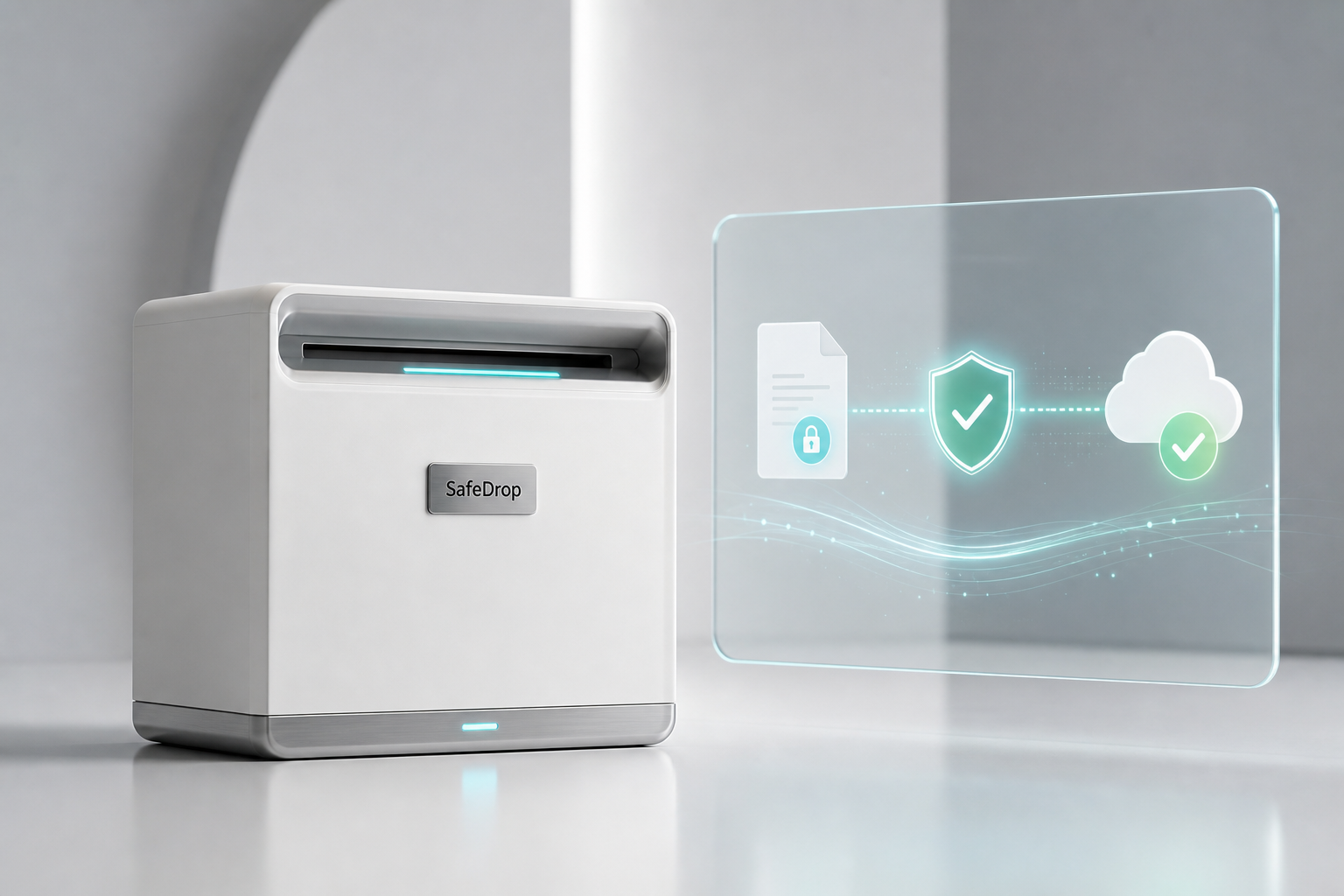
SafeDrop lets organizations send and receive encrypted files through a self-hosted relay server and a Windows desktop client. The server stores encrypted parcels for delivery, while the client handles identities, recipient addresses, sending, inbox checks, and downloads.
What You Need
- A server or VM that can run Docker.
- A public or internal DNS name for the SafeDrop Server, depending on how users will connect.
- A SafeDrop Server license key. Server licensing is available for purchase at stoxello.com.
- Windows PCs for the SafeDrop desktop client.
Install the SafeDrop Server
The recommended server deployment is Docker Compose. Clone the server repository, configure the license key, and start the container.
git clone https://github.com/stoxello/SafeDropServer.git
cd SafeDropServer
copy .env.sample .env
Edit .env and set your server image, port, and license key:
SAFEDROP_IMAGE=stoxellosupport/safedrop-server:latest
SAFEDROP_PORT=5133
SAFEDROP_LICENSE_KEY=SDROP-XXXX-XXXX-LIVE
Start the server:
docker compose up -dBy default, the container listens on port 8080 internally and maps to the host port in SAFEDROP_PORT. With the example above, the server is available at:
http://localhost:5133For production, place SafeDrop Server behind your normal firewall, reverse proxy, TLS certificate, or cloud ingress, then give desktop clients the public HTTPS URL.
Verify the Server
curl http://localhost:5133/health
curl http://localhost:5133/license
The /health endpoint confirms the service is ready. The /license endpoint returns the current SafeDrop Server license status.
Set Up the Server License
Production SafeDrop Server deployments require a valid license key. Purchase server licensing from stoxello.com, then add the key to the server environment before starting or restarting the container.
If you use the included .env file, set:
SAFEDROP_LICENSE_KEY=your-license-keyIf you put the value directly in docker-compose.yml, set the ASP.NET Core environment variable:
environment:
  ASPNETCORE_URLS: "http://+:8080"
  SafeDrop__Edition: "Production"
  SafeDrop__LicenseKey: "your-license-key"
Restart the container after changing the license:
docker compose up -dSafeDrop validates server licenses through LicenseWeb at https://license.stoxello.com. The server keeps its generated machine identity and encrypted parcel data in /app/App_Data, so keep the Docker volume mounted across upgrades and restarts.
Install the SafeDrop Client
Install SafeDrop on each Windows desktop that will send or receive encrypted files. Use the published SafeDrop installer when available, or build the client from the GitHub repository.
git clone https://github.com/stoxello/SafeDrop.git
cd SafeDrop
dotnet publish .\SafeDrop.Client\SafeDrop.Client.csproj -c Release -o .\publish
Run the client from the publish folder:
.\publish\SafeDrop.Client.exeThe repository also includes an Inno Setup script, SafeDrop.iss, for creating a Windows installer from the published client files.
Configure and Use the Client
- Open SafeDrop on the Windows desktop.
- Open the menu and choose Server Settings.
- Enter the SafeDrop Server URL, such as
https://safedrop.yourdomain.comorhttp://localhost:5133for local testing. - Select Test to confirm the client can reach the server, then save the setting.
- Copy your SafeDrop address and share it with people who need to send you files.
- To send files, choose or drop one or more files, enter the recipient’s SafeDrop address, and select Send.
- Use Inbox to view waiting files, download them, and remove completed transfers from the server.
Each SafeDrop client creates a local identity. Users can export an identity as a .sdi file, import an existing identity, or create a new identity when they need a new SafeDrop address.
Updating SafeDrop Server
To update the server container, pull the current image and recreate the service. The persistent Docker volume keeps server data and the server machine identity in place.
docker compose pull
docker compose up -d
Support and Licensing
Source code and install instructions are available in the SafeDrop GitHub repositories:
SafeDrop Server licensing is available for purchase at stoxello.com.